

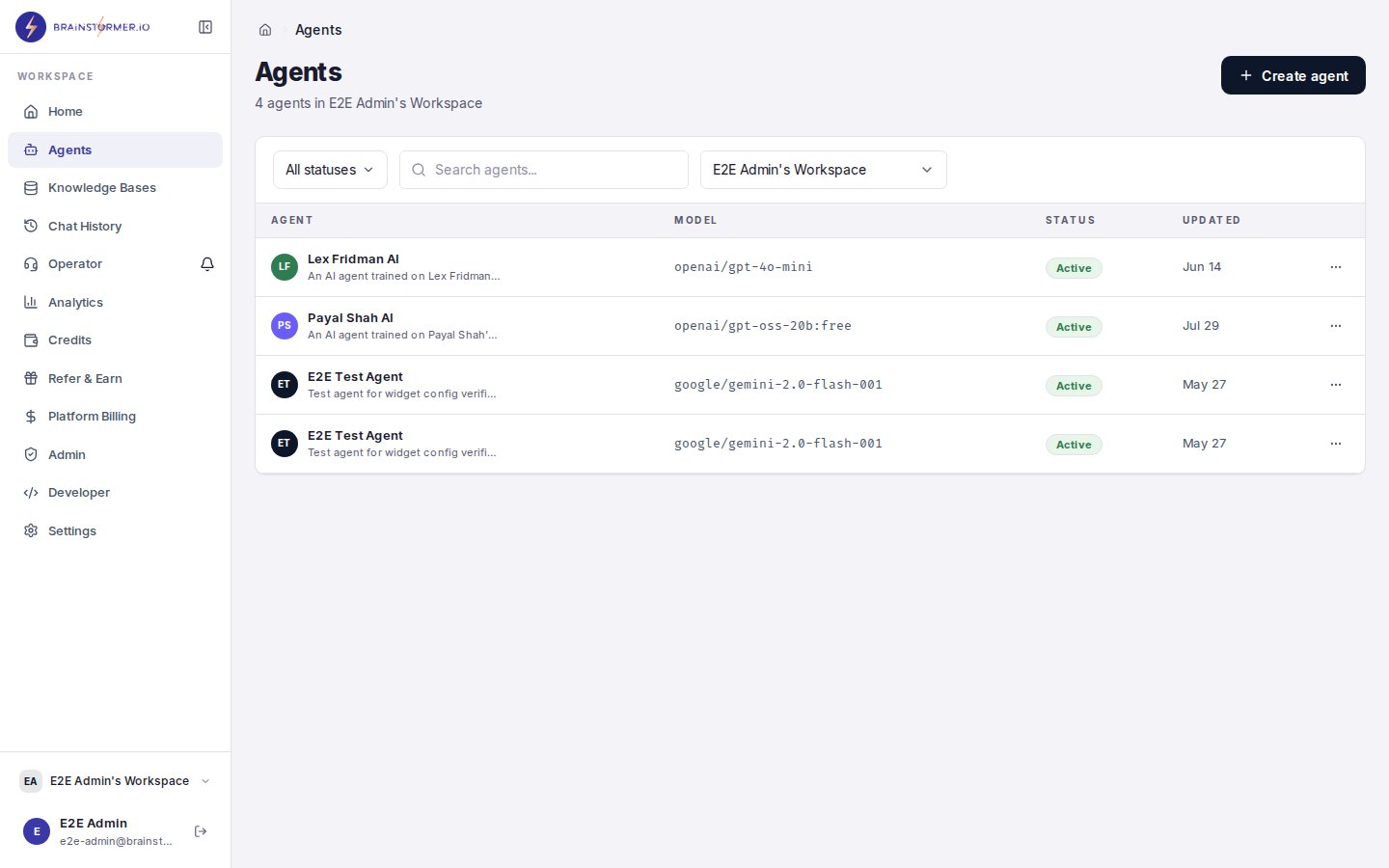
The Agents page showing your list of created agents
When to Use the Creator Wizard
Choose the Creator Wizard if you:- Have existing public content (blog posts, articles, social media)
- Want an agent that represents your expertise and voice
- Prefer a fast, guided setup over manual configuration
How to Start
- Navigate to Agents in the sidebar.
- Click Create Agent.
- On the path selection screen, choose Creator Wizard.
/agents/create?path=creator.
The 3-Step Flow
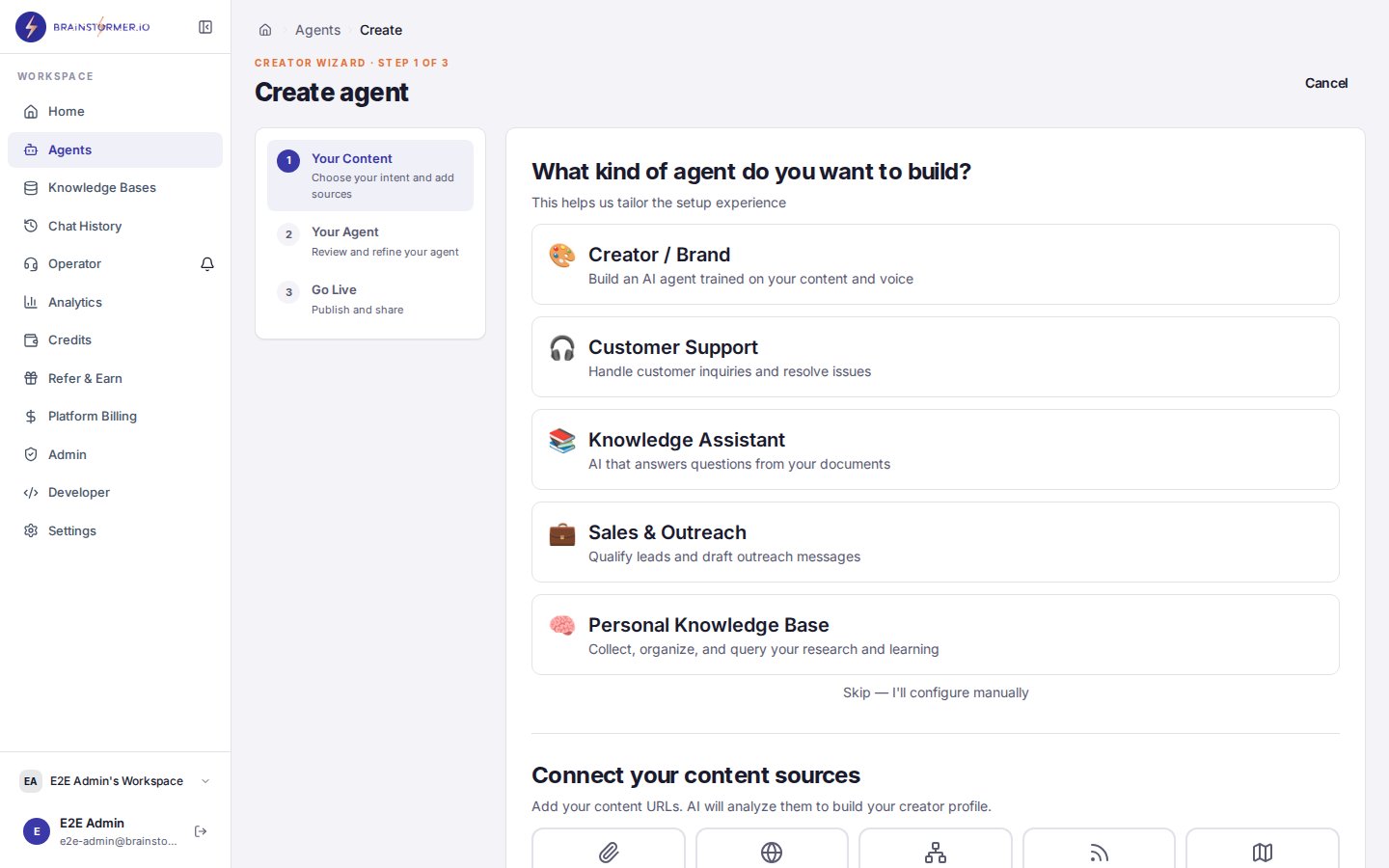
The Creator Wizard 3-step guided flow for building an agent
1
Your Content
Add the public URLs where your content lives. You can add:
- Website URLs — Blog posts, landing pages, about pages
- RSS feeds — Automatically pull in all posts from a feed
- Sitemaps — Discover and add all pages from a sitemap
2
Your Agent
Based on the content you connected, Brainstormer generates:
- Creator profile summary — A description of who you are, your expertise, and your audience
- Voice-aligned system prompt — A system prompt scaffold that captures your communication style and tone
The AI analysis uses the scraped content to detect your areas of expertise, writing style, and target audience. The more representative your source content, the better the generated profile.
3
Go Live
On the final step, you can:
- Edit the agent name and description
- Select an AI model from 300+ options (a sensible default is pre-selected)
- Review the system prompt one more time
- Create and publish your agent
- Creates a dedicated knowledge base for your agent
- Links all your sources to that knowledge base
- Creates the agent with your configured system prompt and model
- Kicks off full knowledge base indexing (vector embeddings, chunking) in the background
Full knowledge base indexing runs asynchronously after agent creation. Your agent is immediately available for chat, and its responses will improve as indexing completes and more content becomes searchable.
What Happens Behind the Scenes
The Creator Wizard reuses the same infrastructure as the rest of the platform:- Knowledge base creation — A new KB is created and linked to your agent via the standard KB API.
- Source ingestion — URLs are added as KB sources. The content pipeline processes them through chunking, embedding (Gemini Embedding 2), and vector storage (Pinecone or ChromaDB).
- Agent creation — The agent is created with the generated system prompt stored as a versioned prompt configuration.
- RAG integration — Once indexing completes, the agent retrieves relevant content from the KB during chat and includes citations in responses.
Classic Builder Alternative
The Classic Setup is the full-featured agent builder that gives you granular control over every aspect of your agent. It follows a step-by-step flow:- Basic Info — Agent name, description, and avatar
- Provider Selection — Choose your AI provider
- Model Selection — Pick a specific model with filtering and recommendations
- System Prompt — Write your prompt with variable support and versioning
- Preview — Review the complete configuration
- Configure (model, temperature, voice settings)
- Variables
- Prompt
- Knowledge
- Tools
- Preview
- Distribute (Web & Embed, which includes Brand; WhatsApp; WhatsApp Business)
- Contacts
/agents/create?path=classic.
Switching Between Paths
Agents created through either path are identical once created. You can:- Create an agent with the Creator Wizard, then fine-tune it in the full agent editor
- Create an agent with Classic Setup, then link a knowledge base manually
- Use the Creator Wizard for your first agent and Classic Setup for subsequent ones