

Authentication
Brainstormer uses JWT (JSON Web Token) bearer authentication for all API requests. Tokens are obtained via the login or register endpoints and must be included in every subsequent request.How It Works
- Authenticate via
POST /api/auth/loginorPOST /api/auth/registerto obtain an access token and refresh token. - Include the access token in the
Authorizationheader of every API request. - When the access token expires (24 hours), use the refresh token to obtain a new pair via
POST /api/auth/refresh.
Optional verified identity on public endpoints
Public distribution endpoints (e.g.GET /api/public/agents/:slug) can optionally accept a bearer token. When present, the gateway verifies the JWT signature and forwards verified user-id and organization-id headers to the bot service so that group-restricted agents can evaluate membership. When the token is absent, public endpoints behave exactly as before and serve only agents that do not require membership or group access.
All API requests require a valid JWT token in the
Authorization: Bearer <token> header. The API Gateway decodes the JWT and forwards auth context (user-id, organization-id, user-email, x-platform-role, x-org-role) as headers to downstream services.Token Format
The JWT payload contains:string
Unique user identifier (UUID).
string
User’s email address.
string
Platform-level role:
user or superadmin.array
List of organizations the user belongs to.
number
Token issued-at timestamp (Unix seconds).
number
Token expiration timestamp (Unix seconds).
Token Lifetimes
Header Format
Include the access token as a Bearer token in theAuthorization header:
The API Gateway also accepts the token from an
access_token cookie as a fallback, but the Authorization header is the primary method.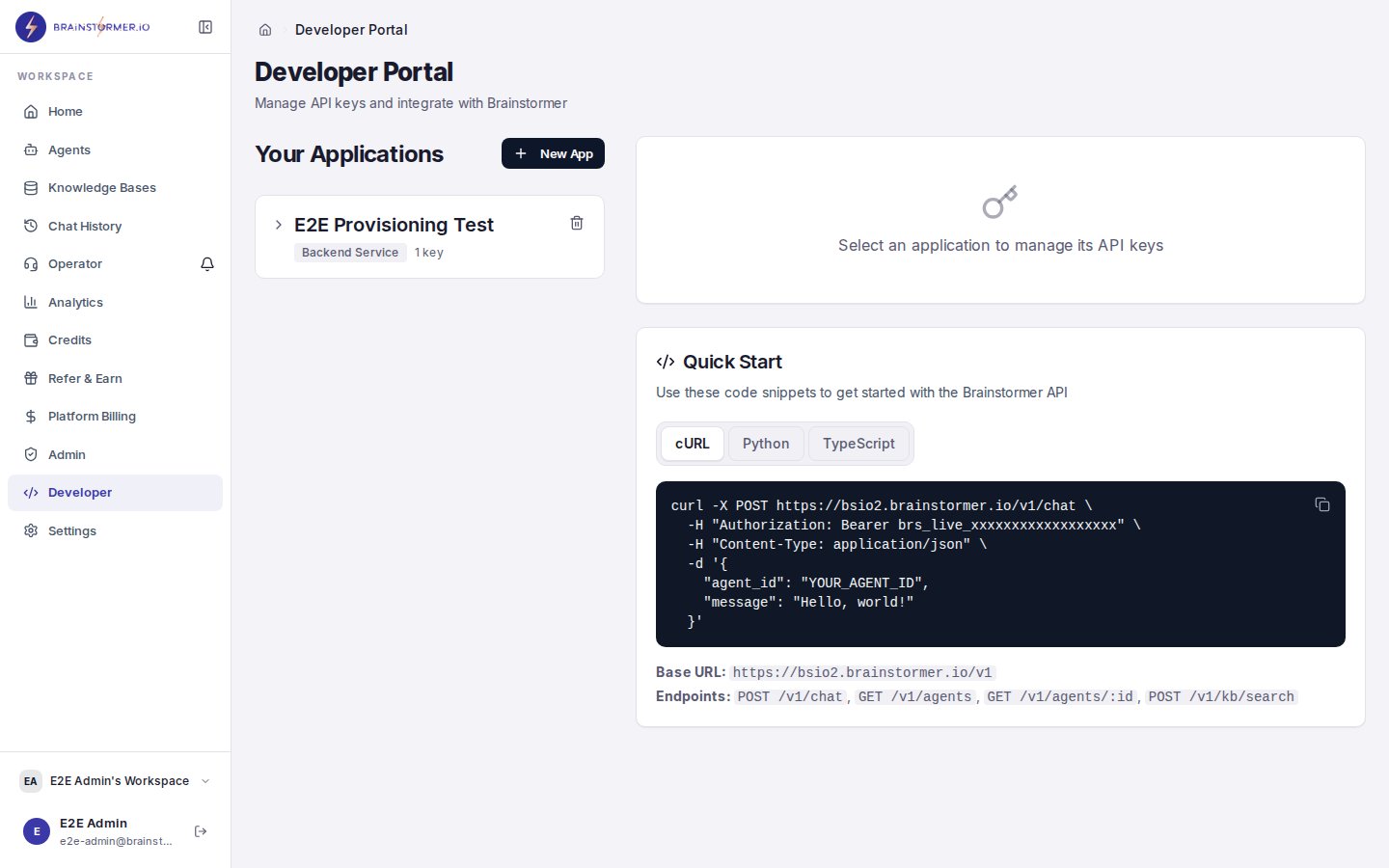
The Developer portal for managing API keys and authentication
Obtaining Tokens
Register
Create a new user account and receive tokens.Login
Authenticate with email and password.Refreshing Tokens
When the access token expires, exchange the refresh token for a new pair.Error Responses
Organization Context
The JWT contains all organizations the user belongs to. The first organization in the array is the active organization for all API requests. All data in Brainstormer is scoped to an organization. When you create agents, knowledge bases, or other resources, they are automatically associated with your active organization.Switching the active organization
POST /api/auth/switch-org with { "organizationId": "<uuid>" } and a valid
access token re-issues a new access + refresh token pair with the chosen
organization placed first, so every subsequent request scopes to it. The caller
must be a member of the target organization (otherwise 403), a suspended
account is refused, and a refresh token is rejected. Persist the returned tokens
exactly as you do after login — both of them: the choice is carried on the
refresh token, so discarding it and reusing an older one puts the session back
in the default organization.
Sign in with Google
When a platform administrator has configured Google OAuth (Client ID + Secret in Admin → System Config), users can sign in or sign up with Google.GET /api/auth/googlebegins the OAuth 2.0 authorization-code flow (withstateand PKCE) and redirects the browser to Google’s consent screen.GET /api/auth/google/callbackreceives Google’s code, exchanges it server-side, verifies the returned ID token (signature, audience, issuer), then signs the user in and redirects back to the app with the issued tokens in the URL fragment.