

How Model Selection Works
When you create or edit an agent, the model selection step lets you browse, filter, and compare available models. The platform syncs the latest model catalog from OpenRouter automatically, so new models appear as they become available.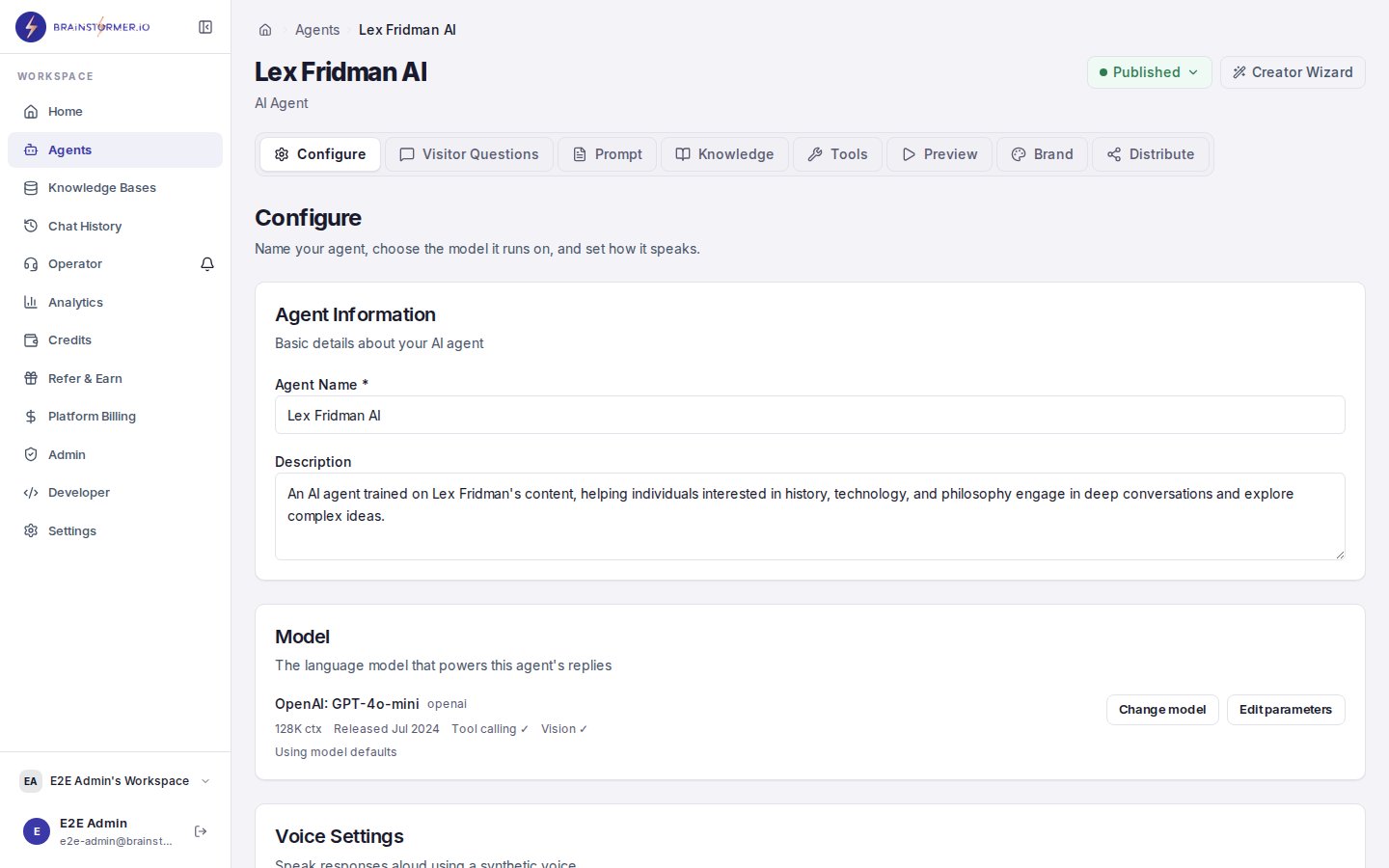
The model selector in the agent editor Configure tab
- Model name and provider (e.g.,
gpt-4oby OpenAI) - Pricing — Cost per input and output token
- Context window — Maximum token length the model can process
- Capabilities — Text, vision, function calling, streaming support
- Description — What the model is designed for
Available Providers
OpenAI
GPT-4o, GPT-4 Turbo, GPT-3.5 Turbo, and more. Strong general-purpose models with excellent instruction following.
Anthropic
Claude 3 Opus, Sonnet, and Haiku. Known for safety, nuanced reasoning, and long context windows.
Gemini 2.0 Flash, Gemini Pro. Fast and cost-effective with strong multimodal capabilities.
Meta
Llama 3 and Llama 2 models. Open-weight models available at competitive pricing through hosted providers.
Filtering Models
With 300+ models available, filters help you narrow down your options:- Provider — Show models from a specific provider only
- Capability — Filter for vision support, function calling, or streaming
- Context length — Find models with larger context windows for knowledge-heavy agents
- Price range — Filter by cost per token to stay within budget
Recommendation Engine
Brainstormer includes a model recommendation system that suggests models based on your agent’s configuration:- Knowledge base linked? — Recommends models with larger context windows to handle RAG-injected content
- Budget-conscious? — Highlights cost-effective models that still deliver good quality
- Need speed? — Points you toward faster models with lower latency
Model Pricing
Model costs vary significantly. Here is a rough guide:Brainstormer applies a margin multiplier to raw model costs when deducting credits from your organization wallet. The default multiplier is 2x. See Credits and Usage for details.
Choosing the Right Model
Here are some guidelines based on common use cases:Customer support agents
Customer support agents
Use a mid-range model like GPT-4o Mini or Claude Sonnet. These handle factual Q&A well, follow system prompt instructions reliably, and keep costs manageable at volume.
Creator / expert agents
Creator / expert agents
Start with Gemini 2.0 Flash for a good balance of quality and speed. If you need more nuanced, voice-accurate responses, step up to Claude Sonnet or GPT-4o.
Complex reasoning or analysis
Complex reasoning or analysis
Use a premium model like GPT-4 Turbo or Claude Opus. These excel at multi-step reasoning, synthesizing information from large knowledge bases, and producing detailed, structured responses.
High-volume, simple interactions
High-volume, simple interactions
Use a budget model like GPT-3.5 Turbo or Claude Haiku. These are fast, cheap, and sufficient for straightforward question-answering with knowledge base backing.
Changing Models
You can change your agent’s model at any time:- Open your agent’s settings.
- Navigate to the model configuration.
- Select a new model.
- Save the changes.